Skill: Blog-Banner-Image-Gen-Skill.
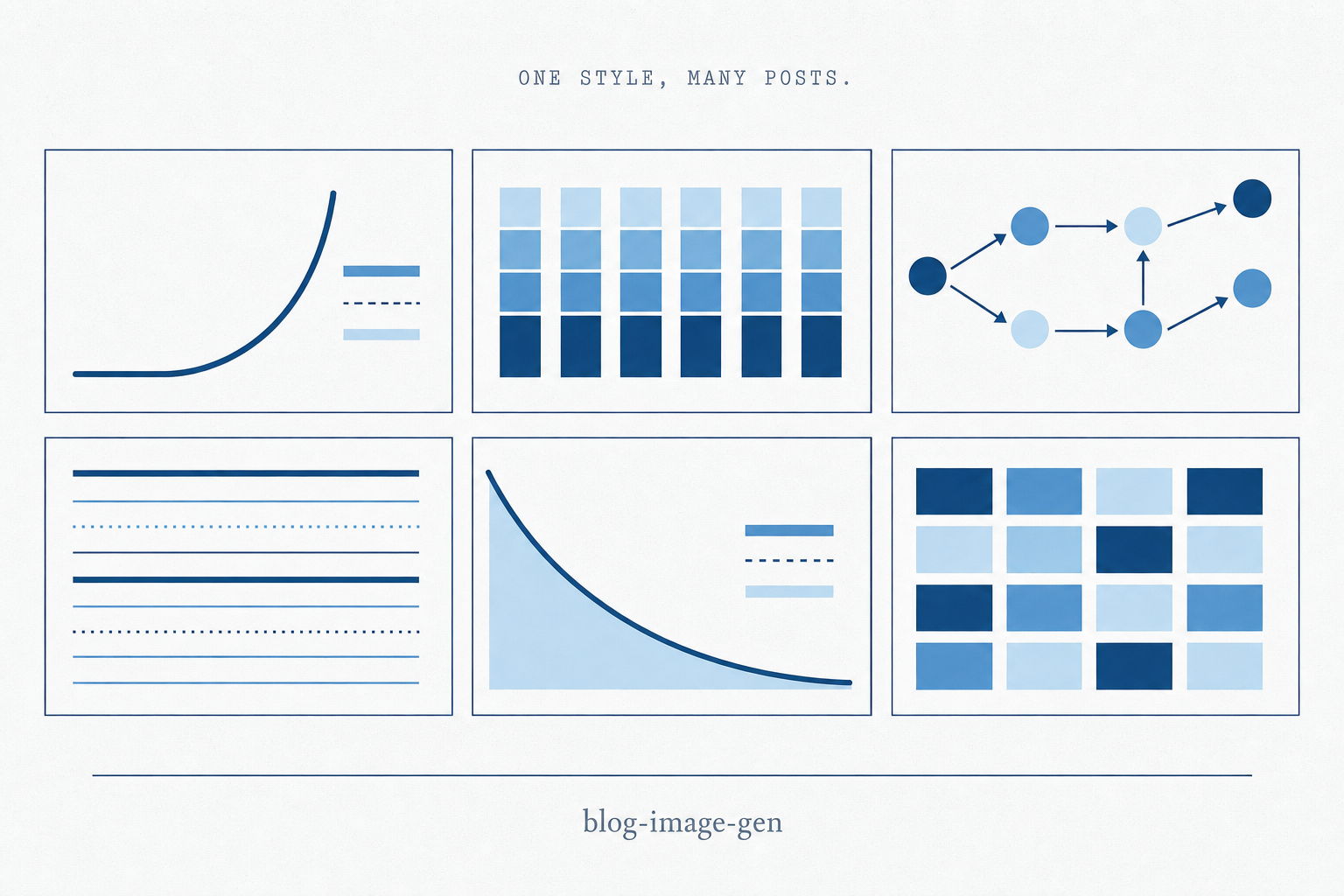
A Claude Code skill that generates hero images for posts via gpt-image-2, keeping every banner on-brand and the new-post flow standardized.
This skill automates the generation of images for my blog posts. It uses OpenAI's powerful new Image Gen creator via API, constrained against my "brand" guidelines and site limitations (size, dimension, etc).
Before this existed, every new post stalled on the hero. I'd open a tab, write a prompt from scratch, fiddle with size and quality flags, download the file, rename it, drop it in the right folder, and verify it rendered. Each post was a one-off, which meant each post drifted slightly from the last. Automating it is what makes the output consistent: the skill takes the same inputs every time, runs the same prompt scaffolding, and lands the file in the same place. Repeatability isn't a side effect—it's the whole point.
You can download this skill from github.com/bogdanbaciu21/skills/blog-image-gen. Drop the folder into .claude/skills/ in your repo, set OPENAI_API_KEY in your shell, and you're running.
On-brand by default
The skill encodes my house style as a preamble that prepends every prompt: flat editorial vector on off-white paper, strict palette (navy #1a4a7a, sky-500 #5b8fc7, light-blue #a8d0e8, ink-soft #556b7f), Stripe-Press-meets-Economist register, no photos, no faces, no logos, no AI/robot iconography. Every hero on the site shares that scaffolding, which is why the contact-sheet view of the blog reads as one publication and not forty.
Per-post specifics live in blog-image-prompts.md as numbered entries. If a post has a hand-tuned prompt there, the script uses it verbatim. If not, it auto-generates one from the post's title and description. The pre-written ones are noticeably better, so for posts I care about I draft the prompt first.
A standardized flow for new blog creation
The pipeline is wired into the new-post workflow: every draft triggers image generation in the same turn the draft is created. No "I'll do it later," no waiting to ask. The script runs the Responses API thinking path—a planner model (gpt-5) reasons about the prompt at reasoning={"effort": "high"} before invoking gpt-image-2 as a tool. Output lands at priv/static/images/posts/<slug>/hero.png and the post page picks it up automatically via Bogdan.Content.Post.detect_hero/1—no frontmatter changes required.
One command per post, ~$0.30 a call. Batch mode (--all) skips slugs that already have a hero, so re-running it is safe. The flow that used to take fifteen minutes per post now takes one.
Make it yours
The skill is opinionated about my brand, not yours. Three places to edit:
- The house-style preamble in
scripts/gen_blog_image.py. Replace my palette, register, and constraints with your own. This is the line that makes every hero feel like the same publication—change it and the whole library shifts together. - The prompts file (
blog-image-prompts.md). Add a numbered entry per post you care about. Skip it for posts you don't—the auto-generated path from title + description is fine for the long tail. - The output path and detection. My script writes to
priv/static/images/posts/<slug>/hero.pngbecause that's what my Phoenix site looks for. Point it atpublic/images/<slug>.png,static/heroes/, or whatever your generator expects. The constants live at the top of the script.
Tunable knobs (SIZE, QUALITY, OUTPUT_FORMAT, MODERATION, throttle delay) are also at the top of the file. Defaults are 1536×1024, high quality, webp—change to taste.